![Forney_FV_logo_signature_600.jpg]](https://knowledge.forneyonline.com/hs-fs/hubfs/Forney_FV_logo_signature_600.jpg?height=40&name=Forney_FV_logo_signature_600.jpg)
Selecting a Default Lab
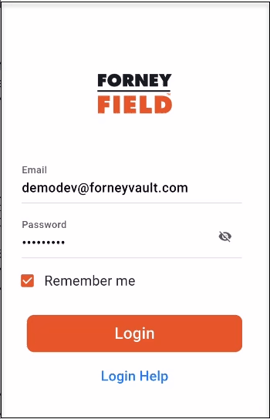
When logging into ForneyField, if no default lab has been selected, the app will prompt you to choose one before continuing.
- Log in to ForneyField
- If prompted, select your lab from the list
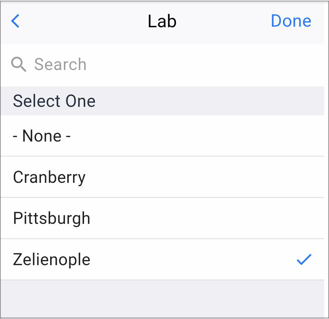
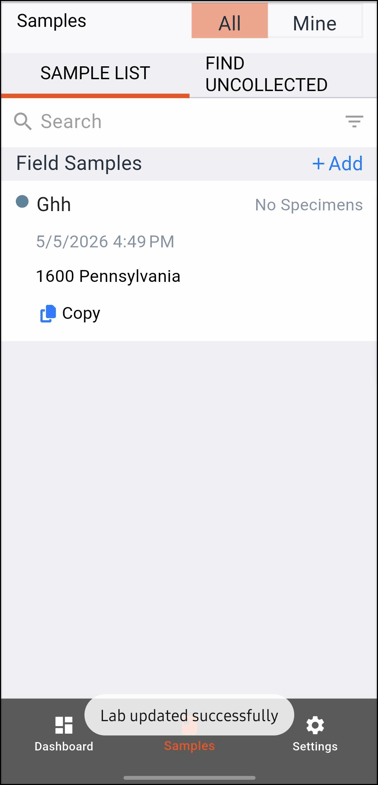
- Confirm your selection by selecting Done.
Changing Your Default Lab
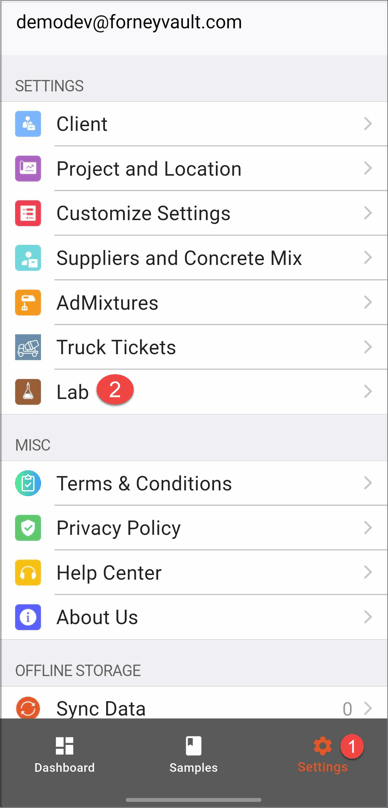
To change your default lab after logging in:
- Open ForneyField
- Tap the Settings menu
- Select Labs
- Choose the lab you would like to use
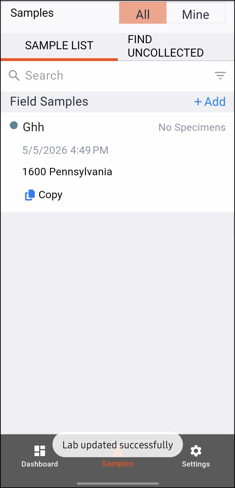
- Confirm your selection by selecting Done.
Need help?
Our support team is here to help you get started:
Phone: 724-346-7400
Toll-Free: 800-367-6397
Email: support@forneyvault.com